If you’re in charge of security for an online enterprise, you know that you’ll need to take extra precautions to safeguard your website. Otherwise, you could face major consequences caused by data breaches and hacking events, like a damaged reputation or revenue loss.
While that can seem like a lot of pressure, vulnerability scanners make protecting your enterprise site a lot easier. This type of security software identifies and reports on any weaknesses in your company’s IT infrastructure. This way, you can reduce the risk of online attacks.
In this guide, we’ll take a closer look at the importance of using vulnerability scanning tools. Then we’ll go over some key factors to consider when choosing one. Finally, we’ll compare ten of the best options for effective web security.
Why is vulnerability scanning important?
First things first, let’s talk about what vulnerability scanning is and why it’s important.
Vulnerability scanners are automated tools that scan web applications for misconfigurations, missing patches, exposed vulnerabilities, and other security issues. Typically, this type of scan will produce actionable insights to help you address weaknesses in your IT infrastructure.
Quality vulnerability scanners may also provide more information about the context of the issue, to help you understand its significance and severity. There are several different types of vulnerability scanners you can use.
Some scanners can be integrated into your website, which means they’ll run on the site’s server. This way, the scanner gets access to your site’s code. But you can also find penetration testing tools that analyze your site from an outside perspective to report on any information that your site is exposing to the internet.
These sorts of tools make educated guesses about the software you use on your site. So, generally, this option isn’t a complete solution. But it lets you discover what an attacker will see if they try to penetrate your website.
That way, you can better protect it against a range of online attacks like SQL injections, brute force attacks, cross-site scripting (XSS) attacks, command injections, and more.
Implementing vulnerability scanning tools is essential for enterprises with increasingly complex IT systems and programs.
On top of that, the bigger a business website is, the more data it is likely to hold, which can make it a target for hackers. As such, growing enterprises need to prioritize safeguarding sensitive customer information.
To put it simply, when you use preventative security tools, your business will be less likely to experience data breaches, data loss (or theft), and unauthorized access to systems. This is very important, since the average cost of a data breach in 2023 was estimated to be $4.45 million USD.
Factors to consider when choosing a vulnerability scanner
Now that you know why vulnerability scanning is important, let’s take a look at some key factors to consider when choosing a tool for your website.
1. Scanning coverage
If you want to find a comprehensive tool for your enterprise, it’s important to take a look at the core scanning features. You might consider questions like: Are vulnerabilities drawn from a quality source or database? How are false positives dealt with?
You’ll also want to know how often scans are conducted, and make sure that scan results are vetted by a team of experts. Plus, it’s a good idea to choose a vulnerability scanner that makes it possible to run scans behind logins and firewalls.
Additionally, you’ll want to think about how expansive you need your tool to be. Do you want to include IoT and network equipment only? Or do you need to extend vulnerability scans to containers?
2. Vulnerability database
Vulnerability scanners often work against a database of known vulnerabilities. This is a comprehensive catalog of software and firmware vulnerabilities that can then be discovered within your own infrastructure.
With that in mind, the more comprehensive the vulnerability database is, the more effective your vulnerability scans will be. Better yet, the best solutions continuously analyze and aggregate information from different sources.
Besides just other vulnerability databases, these tools might be integrated with threat intelligence systems, community sources, and academic materials. Either way, the catalog should be hand-curated and vetted by a team of experts.
3. Accuracy and speed
If the safety of your business is on the line, chances are you’ll want a vulnerability scanner that works quickly and accurately. But it’s important to keep in mind that there are many factors that affect the speed of a scanning tool.
If scans need to be manually initiated, you’ll need to think about how long it takes to configure them. Additionally, web server response time also plays a major role.
For example, the number of HTTP requests a scanner sends during an automated scan depends on the size and complexity of the website (and the types of vulnerability checks configured). So if a scan sends thousands of HTTP requests and the server response time is very high, the scan duration will be prolonged.
Additionally, if the internet connection between the scanner and the application is slow, the scan may take much longer to complete. Plus, there can also be lengthy post‑scan actions involved to confirm the accuracy of reports.
Some tools may need manual verification of the vulnerabilities found, which requires lots of knowledge, skills, and time. That’s why it’s best to look for a vulnerability scanning tool that automatically verifies the findings, which can reduce false positives and exploit reports in a safe and read‑only format.
4. Ease of use
As a fundamental part of your security strategy, it’s best to choose vulnerability scanning tools that aren’t overly complicated. Even if you have a dedicated IT team that will run and evaluate scans for you, the process should be intuitive and provide actionable recommendations.
With this in mind, it’s a good idea to look for tools that come with a simple and straightforward setup procedure. On top of that, you’ll want to consider solutions that provide automated scans, graphical interfaces, comprehensive reports, third-party integrations, and prioritization.
Furthermore, you’ll likely want a tool that makes it easy to configure user roles and permissions.
5. Integration and customization options
Vulnerability scanning tools need to integrate with existing systems and processes for easy adoption and deployment. So, depending on your IT infrastructure, you’ll need to decide whether you want an on‑premise tool or a SaaS solution.
If your enterprise has very restricted environments with limited access, an on‑premise scanner may be the best option. But if your operations take a more cloud‑based or hybrid approach, you might be better off with SaaS.
Here’s a list of integration considerations to help you choose the best tool for your site:
- Ease of installation
- Ease of administration
- Deployment options (SaaS, on‑premise, docker container)
- Automation
- Exporting method (to existing ticketing systems or SIEM solutions)
It’s also important to find a tool that’s easy to customize so that it suits your exact requirements. For instance, you might want to configure custom settings to optimize the performance and efficiency of scans.
Meanwhile, you can set scan targets, define exclusions, and adjust the frequency of scans (or even create a schedule). On top of that, some enterprises might like to set scan permissions to restrict access to reports. You may also want to customize the alerts and notifications so you never miss an update.
6. Reporting and vulnerability prioritization
Naturally, if you’re going to increase the security of your IT infrastructure, it’s important to receive comprehensive reports with actionable post‑scan tasks. With this in mind, it’s a good idea to find tools that offer an intelligent scoring system.
This way, the vulnerabilities that are discovered in the scan can be ranked according to severity. You’ll find that many vulnerability scanners use the common vulnerability scoring system (CVSS) which assigns a numerical value to each vulnerability (between 0 and 10).
In turn, this aids vulnerability prioritization. For instance, vulnerabilities with a score of ten are instantly recognizable to be the most critical and exploitable on your site. But, the scoring system alone is often not enough for thorough prioritization.
Instead, it’s important to consider the context and impact of the vulnerability on your specific environment. So a vulnerability that affects a critical system or exposes you to legal risks may have a higher priority compared to vulnerabilities that impact an isolated system.
As such, you should look for scanning tools that go beyond simple scoring systems. In fact, you can find solutions that categorize and classify vulnerabilities according to their urgency, severity, and impact.
7. Vendor reputation, support, and community
To make sure you’re choosing the right vulnerability scanner for your enterprise, it’s best to stick to established, reputable vendors that have the necessary skills and experience. You’ll want to conduct some thorough research before committing to a vendor.
You might take a peek at the tool’s documentation, past updates, forums, and customer reviews. Most vendors are listed on Trustpilot, so that’s usually a good place to start.
Customer support is another important factor to consider with any security solution. For starters, it’s crucial that support be easily accessible. Look for vendors that enable you to reach their support teams via live chat, phone, and/or email.
It’s also important to make sure you’ll get swift responses when you run into issues. This way, you can reduce any damage that may be caused if scans aren’t working properly (or other issues arise). Furthermore, support agents should be security experts, and/or knowledgeable in the software.
It can also be useful to choose a vendor with a thriving community of contributors and developers. Not only does this make it easier to get input on questions, but many developers contribute to the database of known vulnerabilities. You’ll usually find that the larger the community is, the more comprehensive the database will be.
The top ten vulnerability scanning tools to consider in 2024
Now that you know what to look for in vulnerability scanning tools, let’s take a look at ten of the best options in 2024.
1. WPScan (WordPress Vulnerability Database API)

If you’re looking for a powerful vulnerability scanning service that’s specific to WordPress, WPScan is the go‑to option. The service integrates into your existing in‑house tools and gives you direct access to data about WordPress vulnerabilities, plugin vulnerabilities, and theme vulnerabilities.
This service ensures that you’re always aware of the latest threats. This way, you’ll be better prepared to improve WordPress security. What’s more, the vulnerability database is constantly being updated (367 new vulnerabilities have already been added during the month of this writing).
Even better, vulnerabilities are sourced from developers and researchers, alongside the WPScan team. Each vulnerability is manually checked by a security professional to drastically reduce the chance of false positives. And as a CVE numbering authority (CNA), WPScan can directly assign CVE numbers for all vulnerabilities submitted by researchers for inclusion in the database.
Key features
- Direct access to a vulnerability database established in 2014
- Over 48,000 known security vulnerabilities
- CVE numbers for vulnerabilities (and CVSS risk scores)
- Vulnerability details by ID
- Slack and HTTP Webhooks
- Many vulnerabilities are vetted by a security expert
- Vulnerabilities discovered from a range of sources (community, researchers, etc.)
- API access to integrate data into in‑house services (and latest API endpoints)
- Instant email alerts
Pros
- Easy setup and integration (depending on what tools you use)
- Ability to identify the latest threats (so you can protect your site against them)
- Comprehensive reports
- Active community
- Straightforward user experience (UX)
Cons
- Not a pre‑made tool
Ease of use
The WPScan WordPress Vulnerability Database API is a great option for enterprises that don’t want to use external scanners and plugins. You can integrate the database within existing systems (or build your own products and services using the data).
To get started, you’ll need to set up a user account and retrieve your API token. Enterprise customers can even download the latest WPScan data using cURL commands.
Price
For commercial use, you’ll need a paid license to access the WPScan API. All you have to do is contact the WPScan team to obtain a custom quote.
2. Jetpack Protect

If you’re looking for a more hands-off tool for your WordPress website, Jetpack Protect is a great alternative. It’s powered by the WPScan database, and reports on vulnerabilities in your site’s installed software.
However, instead of integrating with your existing in‑house or purpose‑built tools, it’s an out‑of‑the‑box solution. And while you’ll receive powerful, accurate insights, you can also access a host of other features.
One of the perks of using a tool like this is that it offers a very simple setup. You can use the plugin for free, or upgrade to the paid version to access malware scans, instant notifications, and an automated web application firewall (WAF).
Key features
- The full WPScan database
- Daily vulnerability scans
- Vulnerabilities detected in core software, plugins, and themes
- Daily malware scans (premium)
- One‑click fixes (premium)
- Web application firewall (premium)
- Instant email notifications (premium)
- Priority support from WordPress experts (premium)
Pros
- Free version
- Out-of-the-box solution
- Frequent updates
- Easy to configure (and add extra features)
Cons
- Some users report slow loading times
- Connects using your WordPress.com account (not ideal if you don’t want to share information with third‑parties)
Ease of use
The benefit of using a pre-made tool is that the setup procedure is very easy. All you have to do is install and activate the plugin on your website.
Then, head over to the Jetpack dashboard to configure the settings to meet your needs.
Price
You can use Jetpack Protect for free, or you can upgrade to Jetpack Security for $9.95 per month.
3. WPScan CLI Scanner

Next up is the WPScan CLI Scanner, which is more akin to a penetration testing tool for WordPress websites. It works from the outside to generate reports on information that your site is exposing to attackers (without having privileged access to your website).
It’s important to note that this isn’t as comprehensive or accurate as the first two vulnerability scanning tools we’ve discussed, but serves a distinct purpose for your web defense team. The scanner makes educated guesses about the plugins and themes you have installed.
It works well if you’re interested in knowing more about what an attacker might see when they try to penetrate your site’s security. The more secure your website is (via WAFs, secure access controls, etc.), the less information the CLI scanner will provide. Using this type of scanner can be an essential first step, or a key addition to any WordPress security checklist.
Key features
- Powered by the WPScan database
- Penetration testing tool
- Educated guesses about plugin and theme vulnerabilities
- Identifies weak passwords, exposed error logs, database dumps, and wp‑config.php files
Pros
- Free
- Quick results
Cons
- Not as comprehensive as other solutions
Ease of use
The WPScan CLI Scanner is an open‑source tool. Therefore, you can access it via GitHub and install it by running the following command: “gem install wpscan”.
Price
It’s completely free to use the WPScan CLI Scanner.
4. Probely

Probely is a web application and API vulnerability scanner that exposes vulnerabilities and provides reports with detailed guidance on how to fix them. The Probely scanner automatically adjusts the severity risk of the vulnerability based on context (and provides evidence to prove its legitimacy).
It works using a next‑generation spider, which crawls and indexes all JavaScript apps and single‑page applications. What’s more, the scanner can detect over 30,000 potential vulnerabilities with a 0.06 percent false positive rate.
Key features
- Scheduled scanning
- Partial scans
- Blackout scanning periods
- Behind-firewall scans
- A headless‑Chrome‑based spider
- 0.06 percent false positives
- CI/CD pipeline integration
Pros
- Easy to use
- User-friendly interface
- Simple installation and integration with other tools
- WordPress-specific features
- In‑depth explanations of vulnerabilities
Cons
- Can take days to scan larger applications
Ease of use
Probely only reports on what matters, so you’ll find easy instructions on how to fix vulnerabilities. Better yet, you can access a knowledge base full of known vulnerabilities to gain more information (like CVSS scores, severity grades, integrity impact, and more).
Plus, you can integrate Probely into existing systems using APIs. And you can access answers and advice from the Probely team via the Help Center.
Price
Although you can use Probely for free, it costs $665 per month for the Enterprise solution.
5. OpenVAS

OpenVAS, by Greenbone, is another open-source scanning tool, which detects vulnerabilities using a feed that boasts a long history and daily updates. Currently, Greenbone maintains two feeds: an Enterprise feed and a Community feed.
The base for both feeds is identical, and all content in the Community feed can be found within the Enterprise feed. But the Enterprise feed is more extensive, with some vulnerability tests and compliance policies.
When you begin a test, the scanner will check all systems (including servers, firewalls, and switches in your IT network) for known and potential security gaps. The identified systems are examined for the following attributes: operating system, open ports, installed software, user accounts, file system structure, and system configurations.
This list is not exhaustive. Additionally, detected vulnerabilities are evaluated by severity, which enables vulnerability prioritization and remediation actions.
Key features
- Vulnerabilities based on CVEs, vendor advisories, and other sources
- Over 150,000 vulnerability tests (Enterprise feed)
- Daily updates and fast availability of tests for new vulnerabilities
- Multi‑stage quality assurance processes
- Custom scan configurations
- Vulnerabilities screened in Greenbone labs (and subjected to further investigation)
- Compliance policies for CIS Benchmarks and IT‑Grundschutz
- Security response team (with an encrypted email option)
Pros
- Free version available
- Custom configuration
- Active community
- Detailed documentation and tutorials
Cons
- Outdated UI
- More technical setup procedure
- Less operating system supportability
Ease of use
OpenVAS offers a functional interface, but it isn’t as user‑friendly or intuitive as alternatives (especially if you’re new to the platform). Plus, the customer support could be more easily accessible. But there is a thriving community that’s often willing to offer assistance and insights.
Price
You can download and install OpenVAS for free. But if you want access to the Enterprise feed, you’ll need to contact the Greenbone team for pricing information.
6. Acunetix

Acunetix features advanced crawling capabilities to find vulnerabilities that exist on every web page (even password‑protected content). With a blend of DAST and IAST scanning, it can detect over 7,000 vulnerabilities.
That means you’ll be better protected against SQL injections, XSS attacks, misconfigurations, and exposed databases. And the scans reveal vulnerabilities as they’re discovered. In fact, you can receive 90 percent of your results before the scan is halfway through.
You can also schedule recurring scans, prioritize vulnerabilities by severity, and scan multiple environments at the same time. Plus, you can even pinpoint exact vulnerability locations. For instance, you might be able to view the exact lines of code that need fixing (without needing to manually search for this information).
Key features
- Support for script‑heavy sites, multi‑level forms, and password‑protected areas
- Unlimited users at no extra cost
- On‑premise or cloud deployment
- Vulnerability locations
- Remediation guidance (and ticket generation for devs)
- One‑time or recurring scans
- Vulnerability prioritization (according to risk)
- Over 7,000 vulnerabilities
Pros
- Graphical UI
- In-depth reports
- Responsive technical support
- Lots of documentation
- Great integrations
Cons
- Significant server/network requirements for on‑premise deployment
- Not the most intuitive for customizing reports and setting up scans
Ease of use
Acunetix provides a user-friendly interface and customizable reporting features. You can even automate vulnerability scans. Plus, scans are super quick, and provide features like vulnerability prioritization and vulnerability locations for your convenience.
Price
You’ll need to contact Acunetix to get a quote for your enterprise.
7. Tenable Nessus
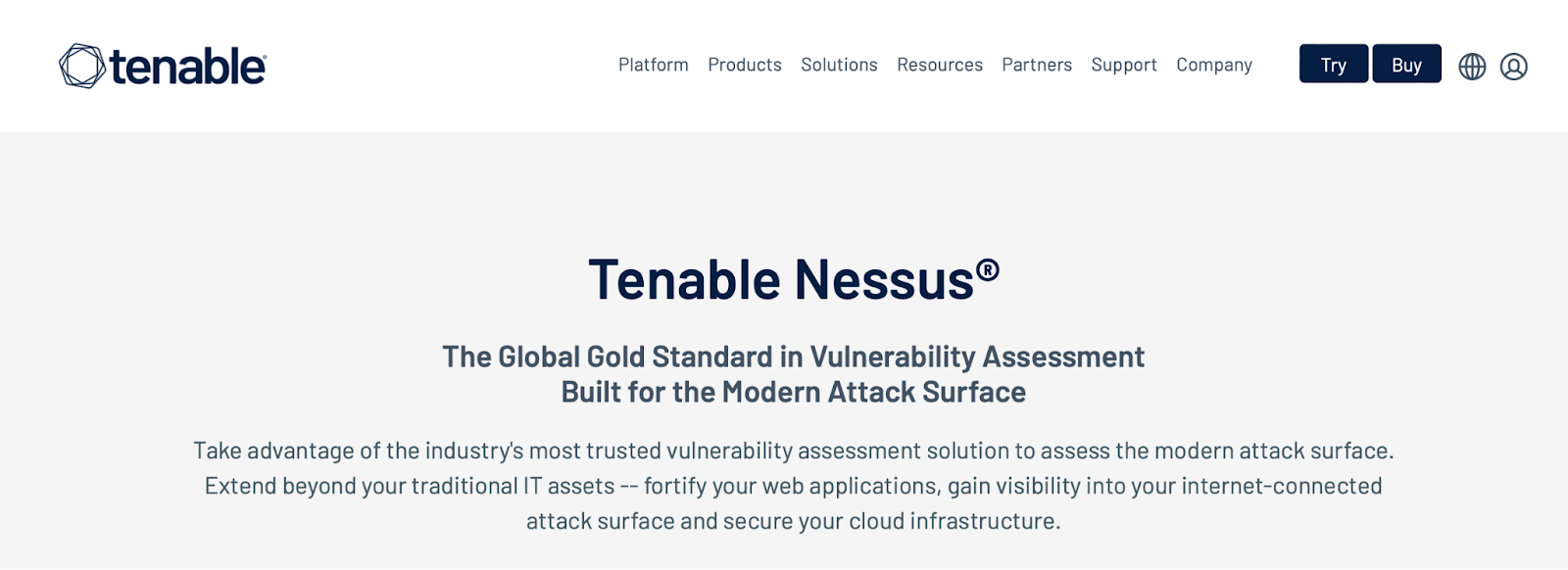
Tenable Nessus is one of the most popular vulnerability scanners, with over two million downloads worldwide. It claims to have the industry’s lowest false positive rate, with six‑sigma accuracy. To give you an idea, that’s .32 defects per one million scans.
With over 25 years of experience and community feedback, Nessus provides a comprehensive vulnerability assessment solution. It can be deployed on any platform, and extended to internet‑connected assets.
What’s more, you can use over 450 pre‑configured templates to understand where your vulnerabilities lie. Meanwhile, Nessus groups similar vulnerabilities or categories of vulnerabilities together, and presents them in one thread to prioritize issues for remediation.
Key features
- Unlimited IT vulnerability assessments
- Customizable reports
- Security audits
- Live Results (perform offline vulnerability assessments with plugin updates)
- Grouped View for easy remediation (and Snooze feature)
- Prebuilt scanning policies (Expert plan)
- External attack surface scans (Expert plan)
- Cloud infrastructure scans (Expert plan)
Pros
- Easy to set up and customize
- Active community
- Great customer support
- Informative reports
Cons
- Expensive (and no free plan)
- Not the most accurate (so results may require verification)
Ease of use
Tenable Nessus adopts an intuitive approach to navigation and the user experience (UX). So you’ll find a resource center with actionable tips and next steps. And with features like Grouped View, you can simplify many tasks like vulnerability prioritization and remediation.
Price
You can get started with Nessus Professional for $3,590 for a single year license. Or you can upgrade to Nessus Expert for $5,290 per year. On‑demand training and advanced support comes at an additional cost.
8. Qualys
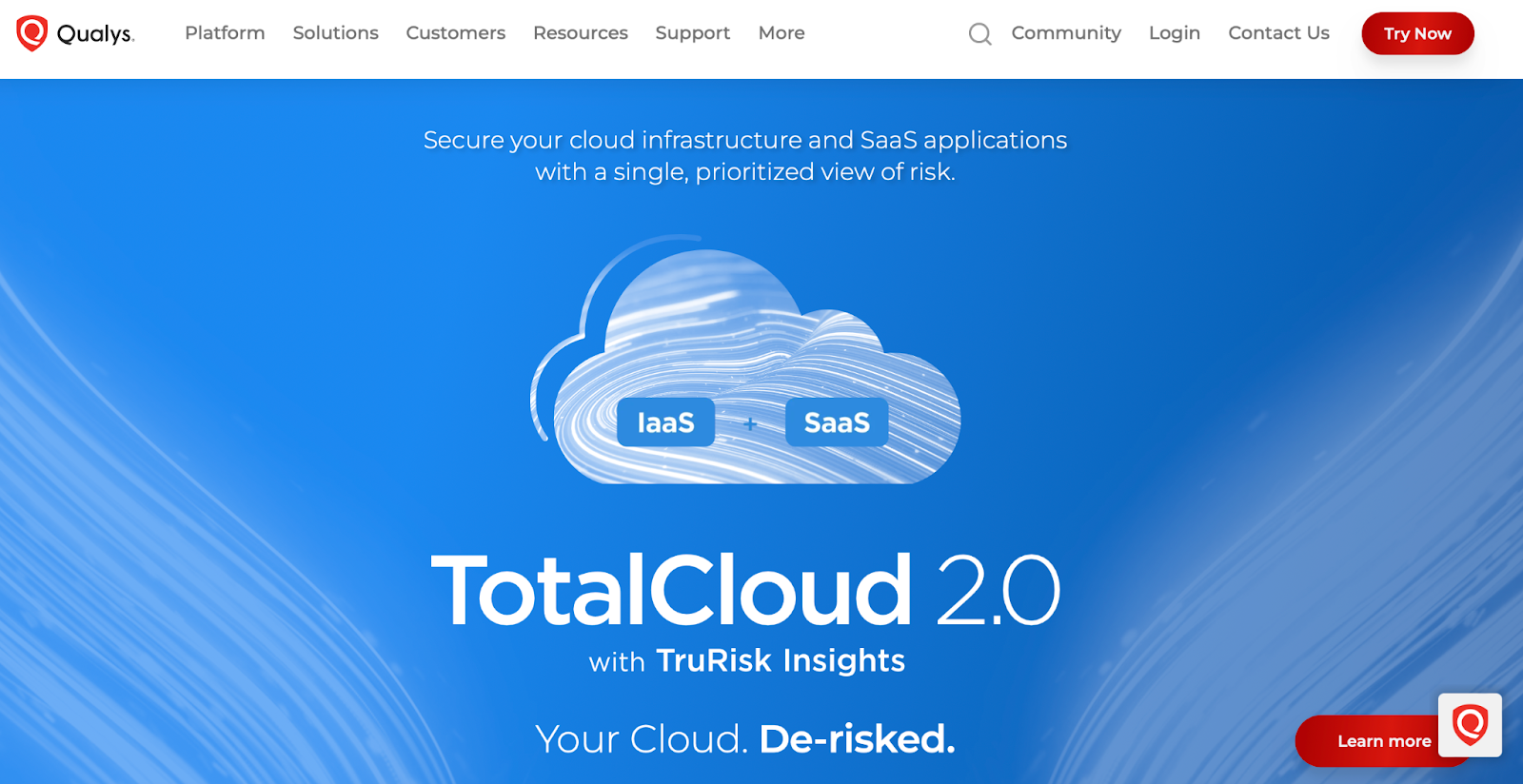
Qualys is a complete vulnerability management solution that protects cloud infrastructure and SaaS environments. With a 99.99966 percent accuracy rating, you can nearly eliminate false positives. And you’ll get full data and control over APIs for connecting systems.
Additionally, Qualys categorizes known and unknown assets, and internal and internet‑exposed assets. Plus, vulnerability prioritization is a little more sophisticated than many alternative solutions.
For example, Qualys considers the evidence and likelihood of exploitation to discover which vulnerabilities, assets, and systems are most at risk. What’s more, Qualys automates patching to remediate threats up to 60 percent faster than its competitors.
Key features
- More than 25 threat intelligence feeds that contain over 200,000 vulnerabilities
- Visibility across every IT, OT, cloud, and IoT asset
- 850 out‑the‑box policies
- Perimeter scans (and behind firewalls)
- Extensible APIs
- Six sigma accuracy
Pros
- User-friendly dashboard
- Regular updates
Cons
- Limited customer support
- Lack of documentation
- Customers have reported features not working as they should
- Comes with a bit of a learning curve
Ease of use
Qualys can be challenging to implement and use, especially at first. As an example, it uses its own ID system, which makes it difficult to correlate to actual CVEs. But once you get used to it, the reports are clear and easy to understand.
Price
You’ll need to contact Qualys for pricing information, but you can try it for free first.
9. Nuclei

Nuclei uses a templating library to scan web applications, cloud infrastructure, and networks to find and fix vulnerabilities. It’s a community‑powered scanner with over 700 contributors who have created more than 7,000 templates.
You can find exposed panels, publicly‑accessible tokens, and vulnerabilities beyond CVEs. You’ll also get information about database vulnerabilities, access control issues, and insecure configurations. Plus, you can integrate Nuclei into CI/CD to minimize vulnerability resurface.
Key features
- Over 700 contributors (including top security engineers and bug bounty hunters)
- Subdomain takeover vulnerability detection
- Over 7,000 templates
- Vulnerability locations
- Server configuration audits
- API testing
- Database assessments
Pros
- Fast
- Free
- Easy to customize
- Simple installation process
- Can be used as a standalone tool or integrated into other platforms
Cons
- Requires a Golang environment on your system
Ease of use
Although it’s best to familiarize yourself with Nuclei’s documentation first, this tool is relatively simple to set up and use. All you have to do is enter specific commands for single targets, non‑HTTP(S) network services, or multiple targets. You can use the template filtering options to configure the scan.
Price
Nuclei is a community‑powered free vulnerability scanner.
10. StackHawk

StackHawk specializes in application security testing and API testing (which includes coverage across REST, GraphQL, gRPC, and SOAP APIs). Additionally, it’s very effective at vulnerability prioritization.
For instance, StackHawk will categorize findings based on severity and impact to help you find and fix the most concerning vulnerabilities. This way, you can view CVEs, severity ratings, actionable fixes, and more information about the risks of each vulnerability.
One stand‑out feature of StackHawk is that you’re able to recreate and validate the findings with the cURL generator. Plus, you can see exactly where the vulnerabilities occur in your code, and make changes easily with audit logs and comments.
Key features
- Complete API testing
- Iterative and local testing
- CI/CD pipeline integration
- Vulnerability prioritization
- Extensive detail about detected vulnerabilities
- Validation with the cURL generator
- DAST and SAST results correlation
Pros
- Great customer support
- Detailed documentation
- Customization options
- An intuitive dashboard
- Easy integration with other tools
Cons
- Not the most intuitive setup
- Scans for larger APIs can be slow
Ease of use
StackHawk claims that the setup process takes less than an hour. All you have to do is create an account and build the configuration file, and you can run your first scan in less than 15 minutes. There’s also detailed documentation, demos, and blog posts available if you need help. Plus, the Enterprise plan comes with email, chat, Slack, and Zoom support.
Price
You can use StackHawk for free, but for enterprise businesses, it’ll cost $59 per month with an annual plan. You can also contact the sales team to discuss custom pricing options.
Comparison of the best vulnerability scanning tools
| Free version | Vulnerability prioritization | WordPress-Specific | Customizable | Scheduled scans | Easy setup | |
| WPScan (API) | Yes | Yes | Yes | Yes | Possible | Yes |
| Jetpack | Yes | No | Yes | Yes | Yes | Yes |
| WPScan (CLI) | Yes | Yes | Yes | No | Yes | Yes |
| Probely | Yes | Yes | No (but has WordPress features) | Yes | Yes | Yes |
| OpenVAS | Yes | Yes | No | Yes | Yes | No |
| Acunetix | No | Yes | No | Yes | Yes | No |
| Tenable Nessus | No | Yes | No | Yes | Yes | Yes |
| Qualys | No | Yes (but not very intuitive) | No | Yes | No | No |
| Nuclei | Yes | Yes (but not as comprehensive) | No | Yes | Yes | Yes |
| StackHawk | Yes | Yes | No | Yes | No | No |
What makes for a quality vulnerability scanner?
Now that you’ve taken a look at the best vulnerability scanning tools, let’s discuss some of the key factors that make a vulnerability scanner worth your while.
1. Speed and efficiency
Vulnerability scanners are often the first step when it comes to preventative web security. As such, it’s important to find a solution that works quickly and efficiently.
It’s best to look for options with automation features, since this enables you to run recurring scans. You might also want the ability to schedule scans ahead of time, which eliminates the need for manual initiation.
Naturally, the duration of a scan is impacted by several factors, including your internet connection and the complexity (and size) of your website. But it’s also important to note that comprehensive scans can take slightly longer, although they ultimately deliver more value.
Therefore, you’re likely to find options that provide “instant” scans that take less than ten minutes. Some of the more robust tools can take hours for scans to complete, which can actually be an indication of quality.
2. Comprehensive database and timely updates
Most vulnerability scanners that are installed on your application are powered by a database of known vulnerabilities. Therefore, to identify a good scanning tool, take a look at the size of the catalog, the types of vulnerabilities it features, and how often it’s updated.
To give you an idea, it can be useful to opt for a solution that’s existed for more than five years, since these security providers may have a more exhaustive list of vulnerabilities. It’s equally important to make sure the database is updated regularly (preferably daily) to ensure that the scanner picks up on the latest threats.
3. Ease of use and customization
Even if you have a dedicated IT team and security experts at your disposal, the best vulnerability scanning tools shouldn’t be too difficult to set up and configure. In fact, some of the top tools (like Jetpack and WPScan) only require a two‑minute plugin activation or an easy API connection.
With that being said, it’s equally important to make sure you’re able to customize the tool to suit your exact requirements. For instance, you may want to configure recurring scans or exclusions. Additionally, reports should be clear and easy to read (preferably via an intuitive or graphical interface).
4. Reporting and actionable insights
You’ll also want to consider the thoroughness and categorization of the scan results. Some tools categorize or group vulnerabilities of a similar type, which aids in remediation.
Additionally, it’s a good idea to use vulnerability scanners that prioritize vulnerabilities according to several factors (like severity, context, and impact). This way, you can deal with the higher-risk issues first and work your way down.
To cut down the time spent researching vulnerabilities and addressing issues, you can choose a scanning tool that provides actionable information (rather than vague or brief descriptions). Sometimes, you can visit the documentation or knowledge base to gain more information about specific vulnerabilities. But there should also be some concrete guidance and instructions to show you how to implement remediation tasks.
5. Community and developer support
Finally, as you’ll have noticed in the list above, many vulnerability scanning tools are open‑source. That means you’ll get access to a thriving community of security experts, developers, and researchers.
In some cases, the vulnerability database is curated using the feedback and research of the community (then vetted or hand‑checked by professionals). Plus, if you get access to forums, you can often ask questions and get immediate responses from real users.
How WPScan embodies these characteristics for WordPress sites
If you run a WordPress website, it’s important to choose a vulnerability scanning tool that’s specifically designed to work with the content management system. This way, you can identify any problems with your WordPress installation, plugins, and themes.
WPScan is a dedicated WordPress solution with a catalog of nearly 50,000 vulnerabilities (which is continuously updated by WordPress security professionals). Better yet, there are various ways to access the database.

With the flexible API, you can implement the WPScan database within your existing systems and platforms so that it slots in nicely with other in-house tools.
Or if you’re looking for a more hands‑off solution, you can use the Jetpack Protect plugin (which is powered by the WPScan vulnerability database).
Finally, you have the option to use the WPScan CLI Scanner to find out what an attacker can discover about your website when they attempt to penetrate your site’s security. This does not provide a comprehensive vulnerability scan, but it can be used with other tools.
Frequently asked questions
So far, we’ve tried to cover all the bases when it comes to vulnerability scanning tools. Just in case we missed anything, we’ll now answer some of the most frequently asked questions.
What is a vulnerability scanning tool?
A vulnerability scanning tool identifies any vulnerabilities in your IT infrastructure, networks, and other systems. Typically, scans generate reports where you’ll find actionable advice on how to address the vulnerabilities discovered in the report.
What are the benefits of using a tool for vulnerability scanning?
The main benefit of using vulnerability scanning tools is that they help you prevent a range of online attacks. For instance, enterprise businesses can use these tools to prevent threats like SQL injections and XSS attacks that might result in data breaches. Plus, you can identify any weaknesses in your networks and systems (before criminals exploit them).
How do vulnerability scanners stay updated with the latest threats?
If you’re using a vulnerability scanner, it’s important to have access to a vulnerability database that’s continuously updated to protect you against the latest threats. Different providers handle this in different ways.
For instance, WPScan offers an active community of developers, security experts, and researchers who scour the internet for the latest vulnerabilities. Then, each vulnerability undergoes a rigorous process of vetting before it’s added to the catalog.
What kind of support can I expect from vulnerability scanner providers?
The best vulnerability scanning providers offer premium support via email, phone, and/or live chat. This way, you can access round‑the‑clock assistance. Plus, you’ll often find that many providers have a suite of free resources like forums, knowledge bases, blogs, documentation, and more.
Are there scanners for specific CMS platforms, like WordPress?
Yes. If you’re looking for a vulnerability scanner for WordPress websites, you can use the WPScan API connection to integrate with your other in-house tools. If you require a more pre-made solution, you can install Jetpack Protect, which is powered by the WPScan database.
How does WPScan differentiate itself from other vulnerability scanners?
WPScan provides one of the most comprehensive vulnerability scans because it boasts a database of nearly 50,000 vulnerabilities. This includes WordPress core, plugin, and theme vulnerabilities.
Additionally, the database is constantly being updated to protect against the latest threats. And you can use the API connection to implement WPScan within your existing selection of in‑house tools.
How does WPScan maintain its database and ensure timely updates?
WPScan has an active community of contributors to maintain its vulnerability database. Anyone can submit a vulnerability on the WPScan website, which then goes through a triaging process where submissions are reviewed and prioritized. With the Enterprise plan, you’ll receive instant email notifications when threats are discovered during scans.
WPScan: The premier vulnerability scanning asset for WordPress sites
WPScan provides a premium vulnerability scanning service, specifically designed for WordPress websites. It features one of the most extensive libraries available, with nearly 50,000 vulnerabilities currently listed in the database.
Better yet, all vulnerabilities are discovered by real security experts and researchers. And each vulnerability passes through a rigorous triaging process to achieve verification.
The good news is that there are various ways to access the WPScan database. If you’re working with an enterprise business looking for a tool to integrate seamlessly with other in‑house software, you can utilize the API connection.
Or if you’d prefer a more out‑of‑the‑box solution, you can install the Jetpack Protect plugin (which is powered by the WPScan database). Both of these options provide in‑depth information about all vulnerabilities in your WordPress core software, plugins, and themes.
You can also use the WPScan CLI Scanner if you want to discover information about your website that is accessible to criminals online. This is a penetration testing tool, so the more secure your website is (via WAFs and secure access controls, etc.), the less information the CLI scanner will provide.
The best vulnerability scanners for web security
Vulnerability scanners are an important part of your web security strategy, since they can prevent many cybersecurity threats that can be financially debilitating and damage your company’s reputation. The good news is that there are plenty of effective vulnerability scanning tools to choose from.
You can find tools like WPScan that give you access to a frequently‑updated database, so you’re always protected against the latest threats. If you’re on a budget, you can even get free solutions like Probely.
When you use WPScan, you’ll find all the latest vulnerabilities for your WordPress core software, themes, and plugins. Plus, you’ll get access to a continuously‑updated database (vetted by experts), a flexible API, and instant email updates. Contact a WordPress vulnerability expert today!

 WPScan